Projects
In Signify Interact Builder web portal and mobile app, Projects page displays the list of projects that user has access to. User can search the specific project within the list and create a new project if required.
Projects - portal
Log in to Signify Interact Builder web portal. By default, My Projects dashboard appears.
OR
In Signify Interact Builder web portal, select Projects to view My Projects dashboard.
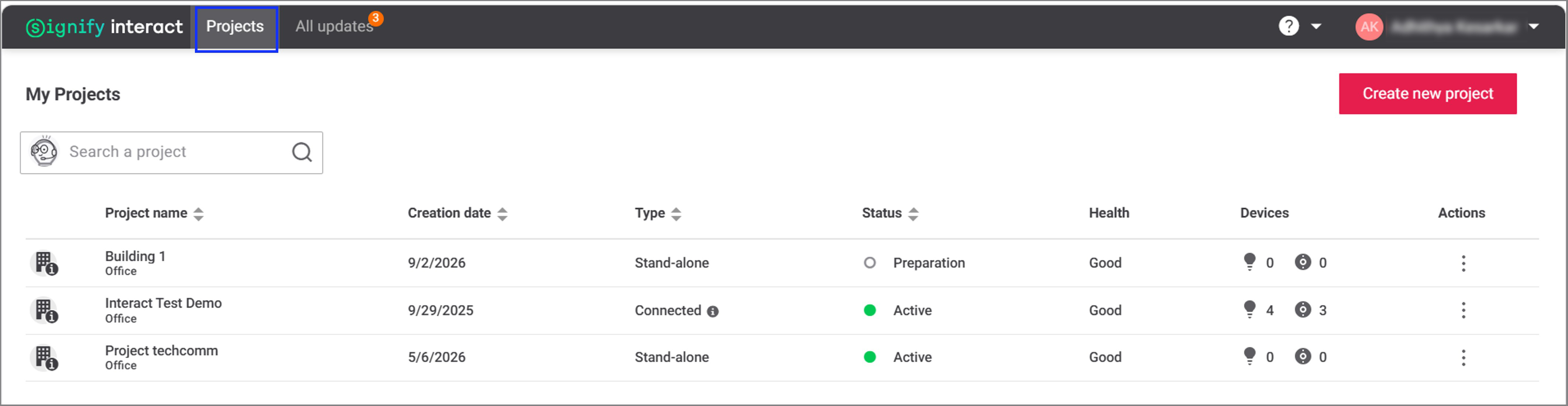
My Projects dashboard shows the list of projects that the user has access to, along with project details such as Creation date, Type, Status, Health, Devices, and Actions to edit or delete a project.
Create or edit a project
In My Projects dashboard page, user can create a new project or edit an existing project. For more information, refer Create a project.
Project search
Users can search a project using the project name or project creation date. Project search supports partial matching. Entering three or more characters displays the closest matching projects that the user has access to. The project search feature also supports natural language queries, such as "Show all projects created on or after 10/02/2026" or "Projects created in week 32".
In My Projects dashboard page, enter the required project details in the search field and select the search icon or press the Enter key.
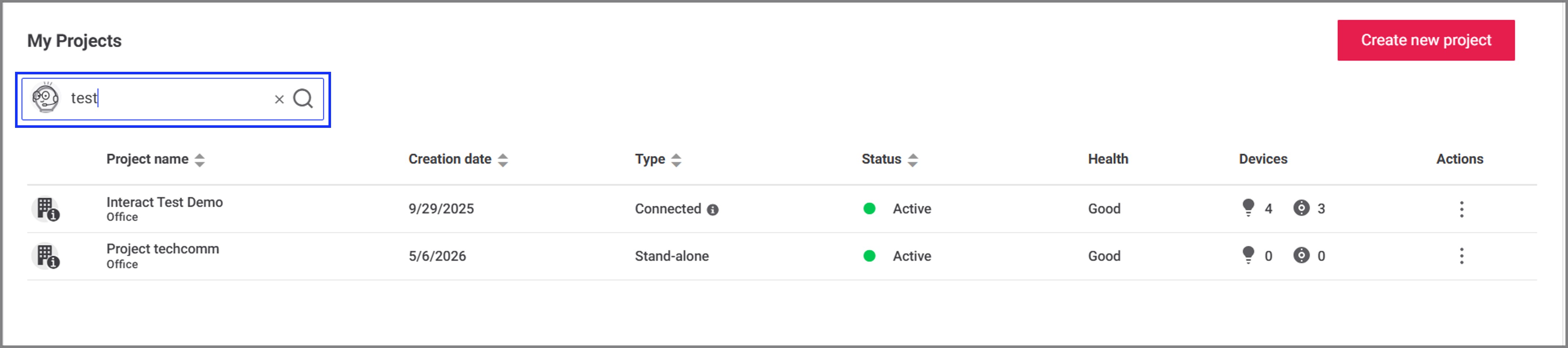
Result: Matching projects are displayed in My Projects dashboard. If no matching projects are found, a No results message is displayed.
Projects - app
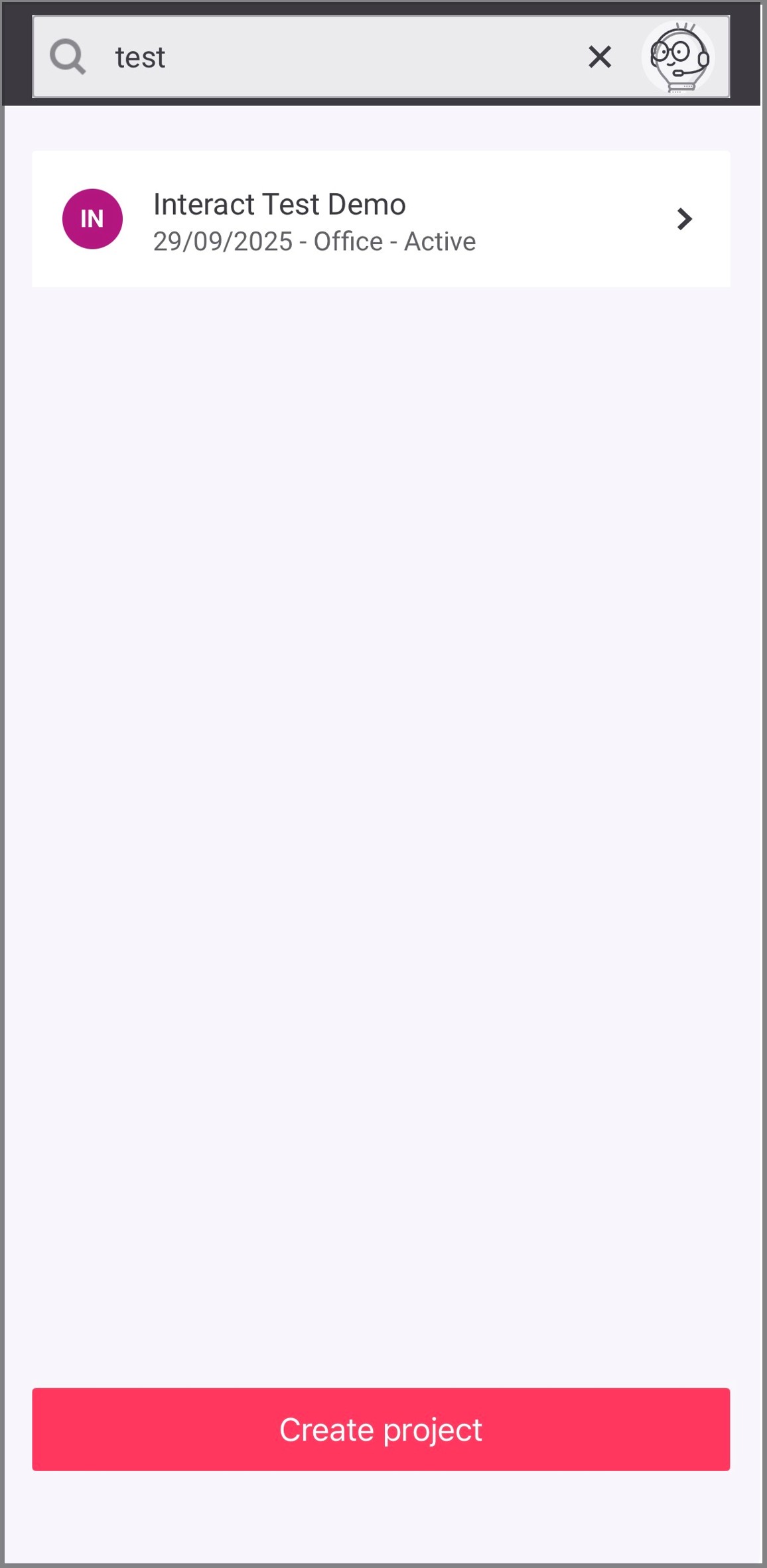
Log in to Signify Interact Builder mobile app. By default, Projects screen appears.
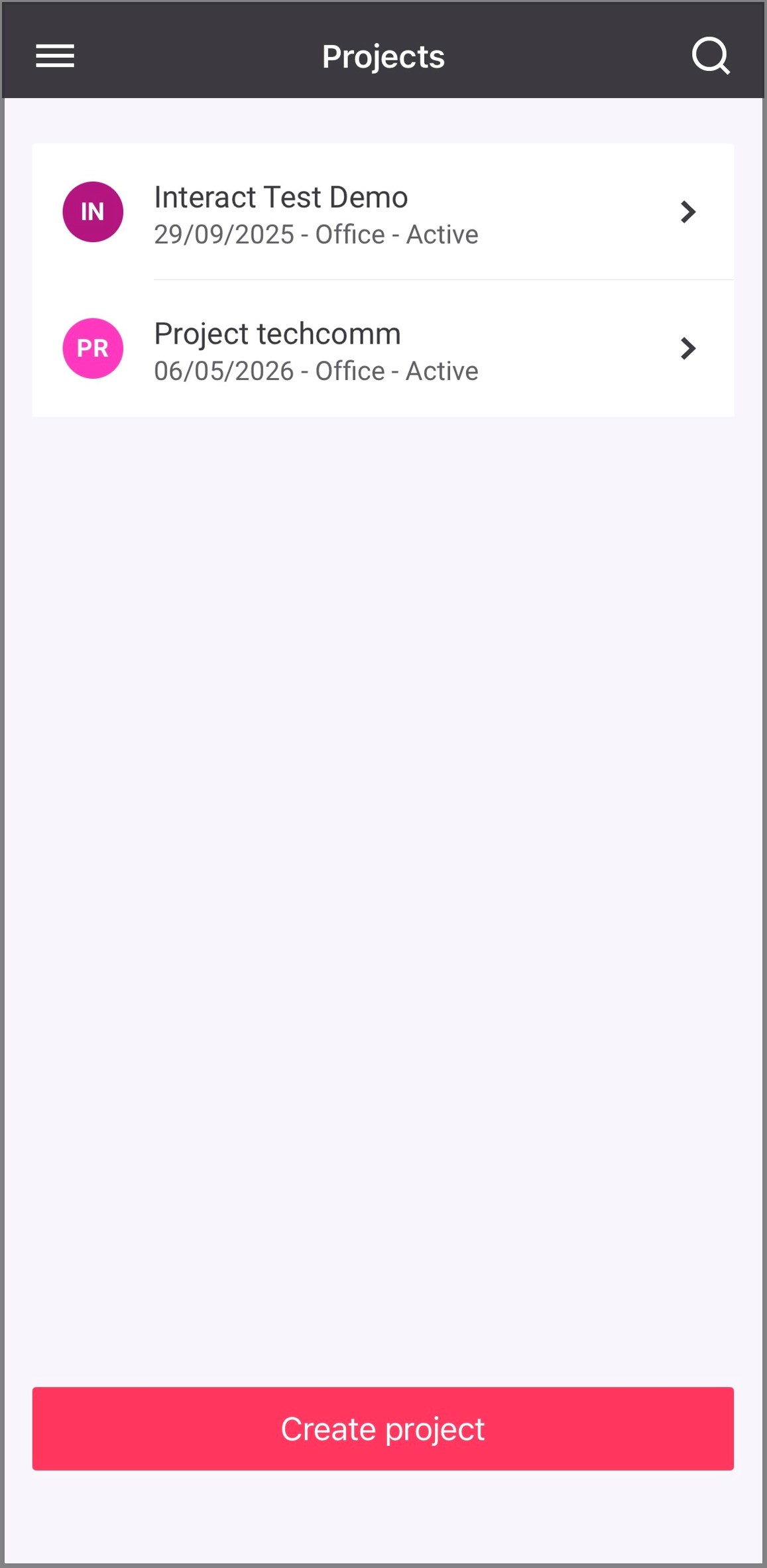
Projects screen shows the list of projects that the user has access to, along with project details such as project creation date, project type, and project status.
Create a project
In Projects screen, user can create a new project. For more information, refer Create a project.
Project search
Users can search a project using the project name or project creation date. Project search supports partial matching. Entering three or more characters displays the closest matching projects that the user has access to. The project search feature also supports natural language queries, such as "Show all projects created on or after 10/02/2026" or "Projects created in week 32".
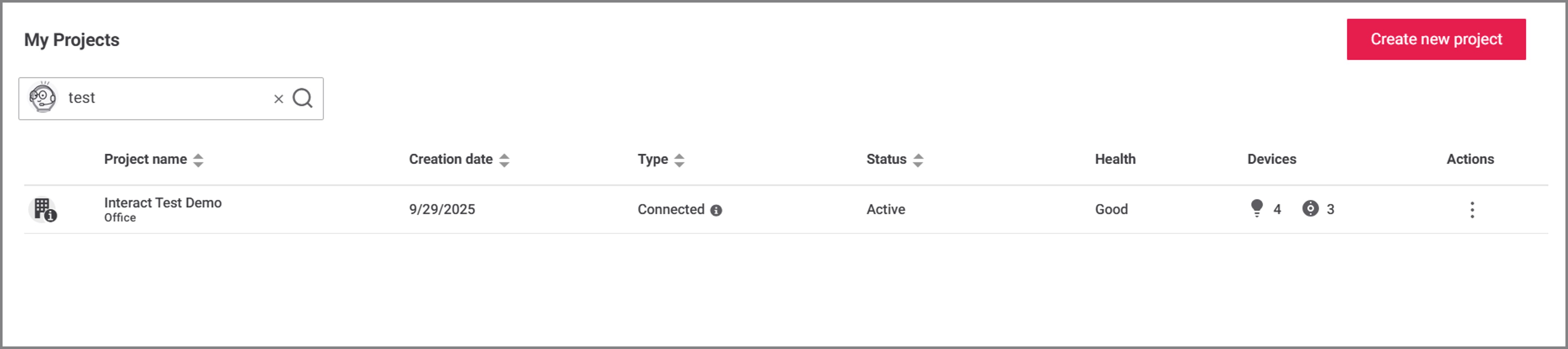
In Projects screen, tap the search icon. Enter the required project details in the search field and tap the search button.
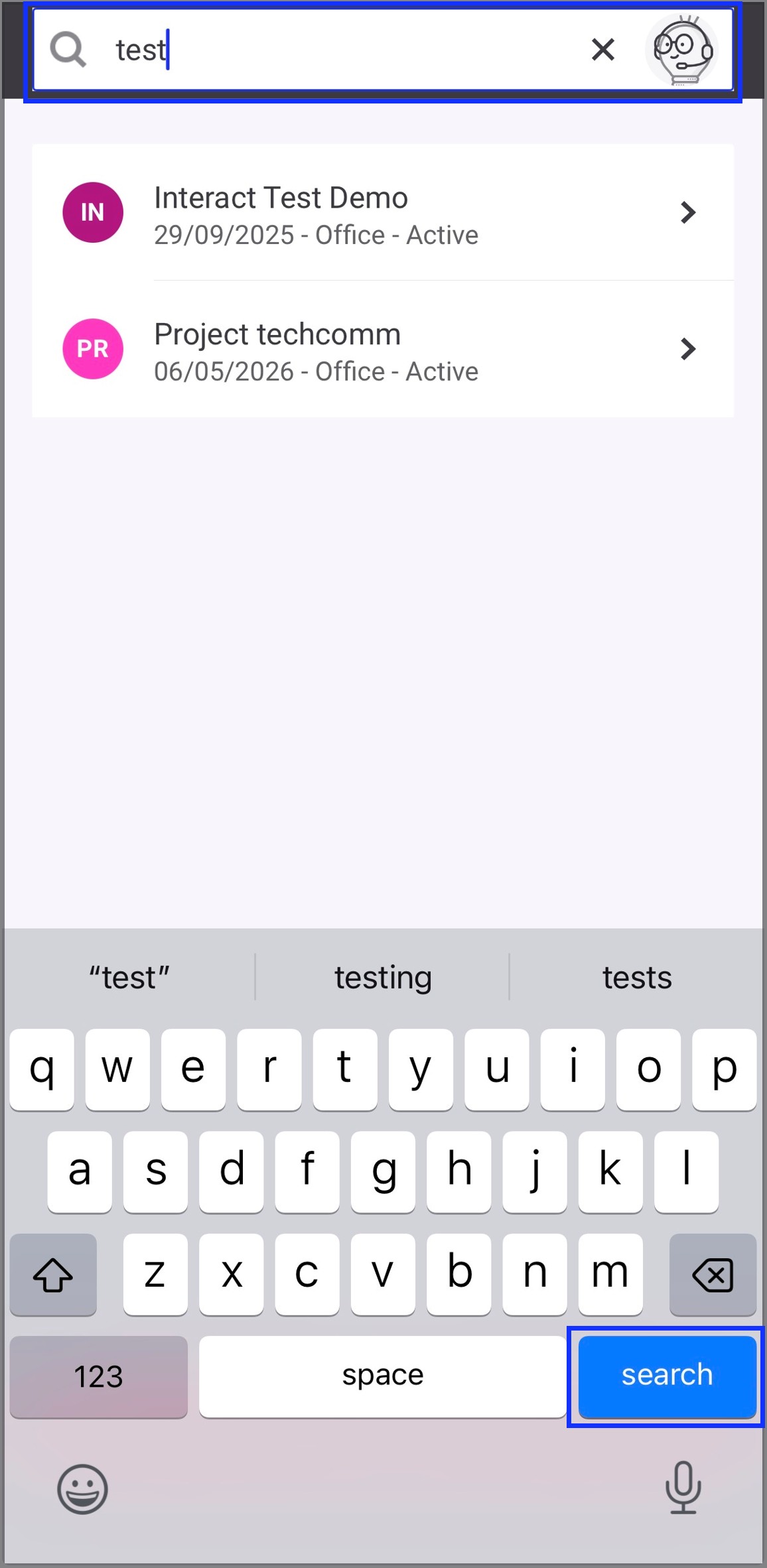
Result: Matching projects are displayed in Projects screen. If no matching projects are found, a No results message is displayed.