Integrate a NatureConnect project with Signify Interact for Intelligent Buildings
This topic details the steps required to integrate Signify Interact for Intelligent Buildings with NatureConnect.
Install
To install the NatureConnect devices, use the following steps:
Unpack the gear tray, sensors and switch
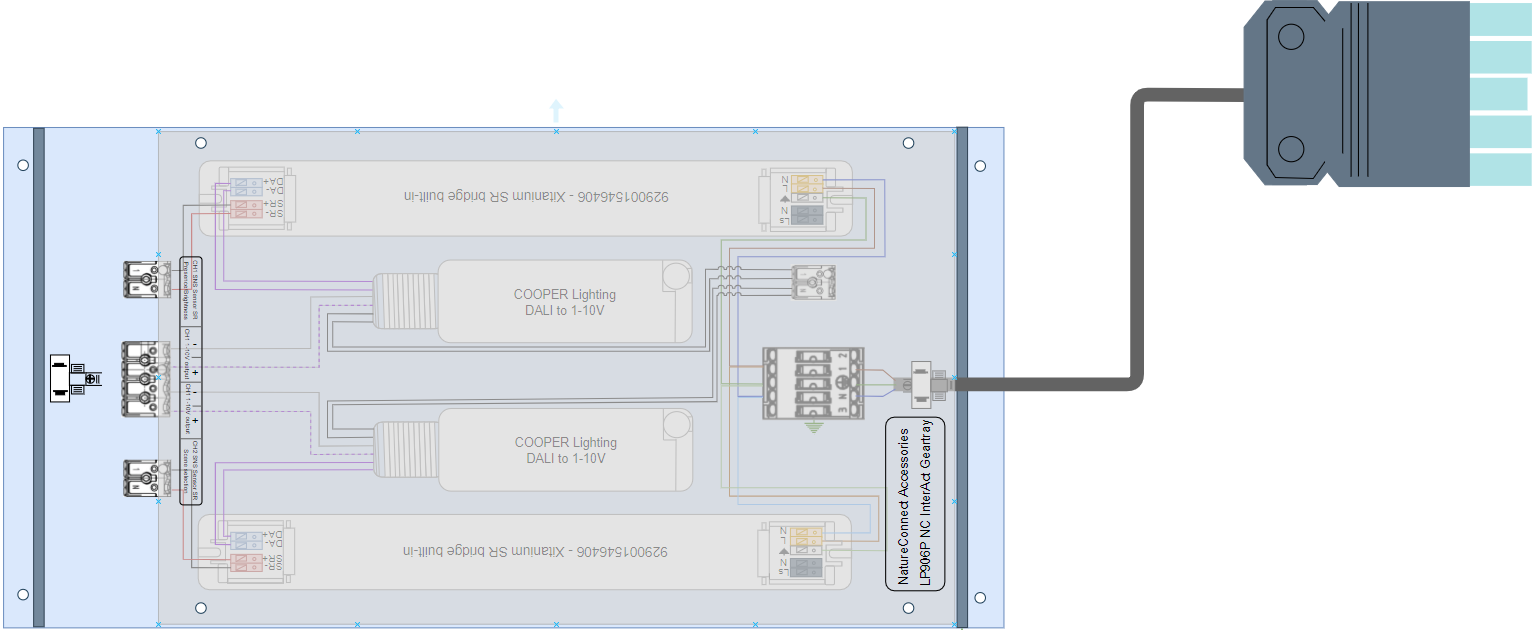
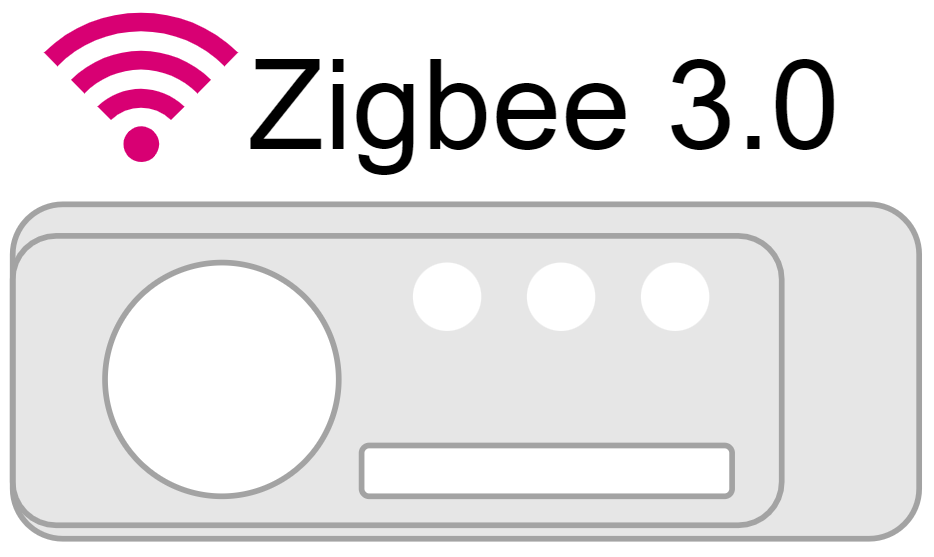
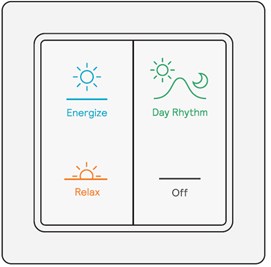
Ensure the following:
-
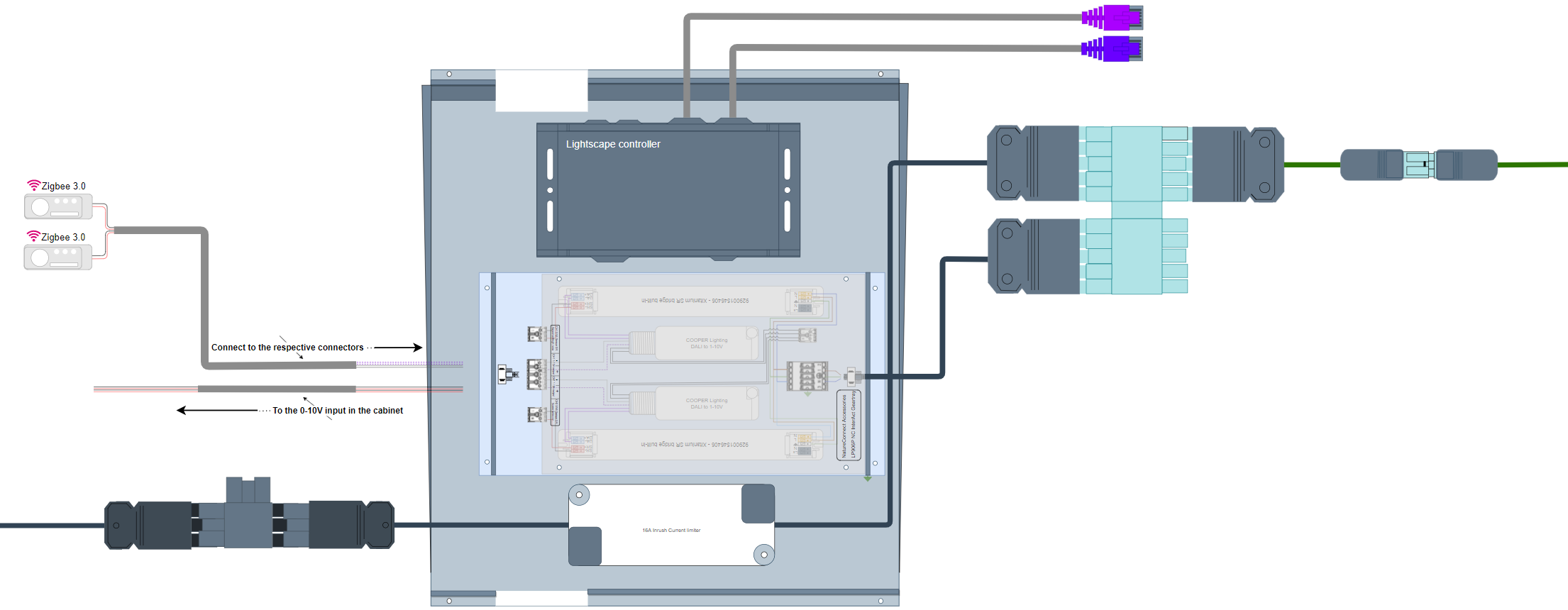
Wire for connection between Gear tray - Cabinet:
-
Input wire cross-section (solid conductor wire): 0.5 - 2.5 mm²
-
Input for wire ends with ferrule to the maximum diameter stated: max. ø 1.8mm
-
Input for tinned wire ends: max. ø 1.8 mm
-
-
Wire for connection between Gear tray and Sensors:
-
Input wire cross-section (solid conductor wire) 0.25 to 0.75mm2 / 24 to 18 AWG
-
Input wire cross-section (stranded wire) 0.3 to 0.5mm2 / 22 to 20 AWG
Input wire cross-section (solid conductor wire): 0.5mm2 The installation instructions for the sensor and switch can be found in their respective specification sheets.
-
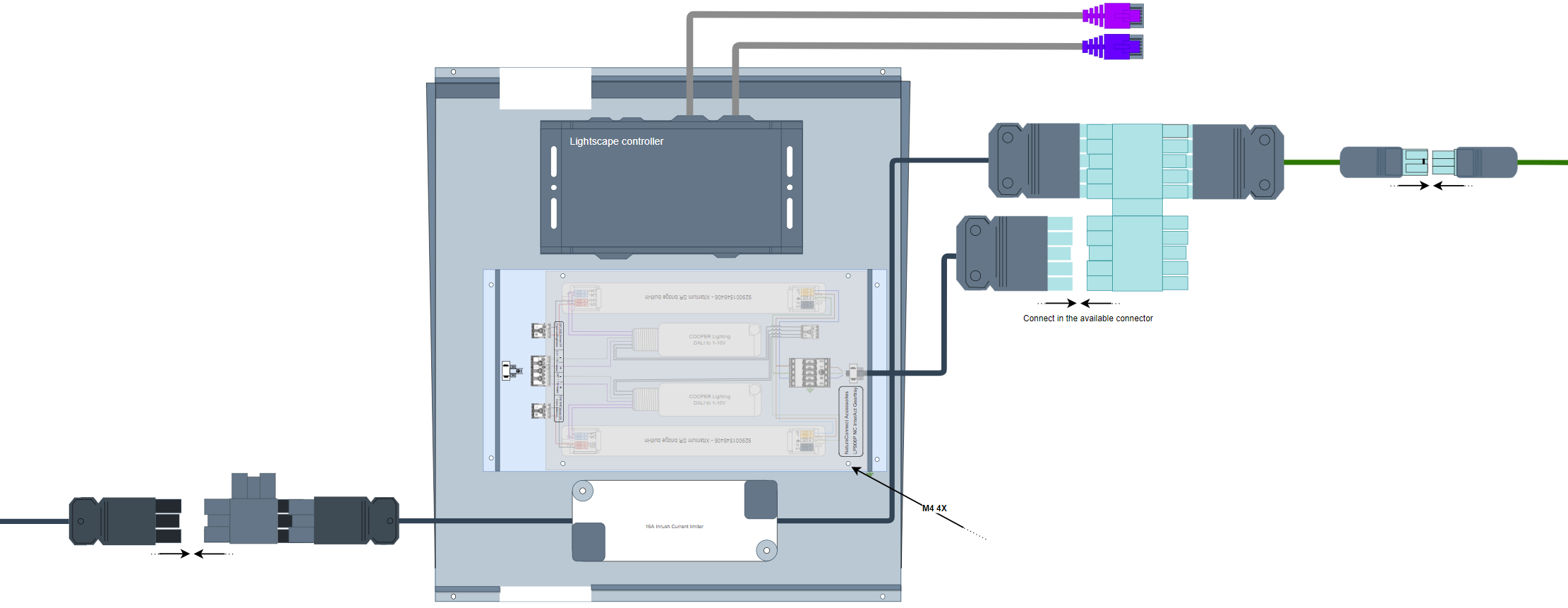
Commission Signify Interact for Intelligent Buildings with NatureConnect
Create two groups with the following specification:
-
Group name:
Group 1 - Presence -
Room Type:
Meeting room -
Group behavior:
Group Auto On Auto Off
-
Group name:
Group 2 - Scene selection -
Room Type:
Meeting room -
Group behavior:
Group Manual On Auto Off
| Each group has a different control scope. The first is aimed at sensing and controls light on/off/dimming light behavior, while the second is controlling the scenes via the light switch. |
Add sensors & switch
| To avoid EMI issues cables between sensors and gear tray should be maximum 3m long. |
Add the following to each group:
-
Fixture type -
SNS210 IA
-
Fixture type -
SNS210 IA -
Switch type:
UID8480/10 ZGP Dim 4B
-
Link the groups to the Wireless Gateway. This in turn links all sensors and switches to the Wireless Gateway
Add scenes
A scene is added only for Group 2 - Scene selection
|
Select the Group 2 - Scene selection and add the following scenes:
-
Scene name:
Day rhythm -
Light level (Zones):
90% -
Light level (Lights not in zone):
100%
-
Scene name:
Energize -
Light level (Zones):
57% -
Light level (Lights not in zone):
100%
-
Scene name:
Relax -
Light level (Zones):
43% -
Light level (Lights not in zone):
100%
-
Scene name:
Present -
Light level (Zones):
29% -
Light level (Lights not in zone):
100%
-
Scene name:
Off -
Light level (Zones):
10% -
Light level (Lights not in zone):
100%
Deploy all scenes and validate the project.